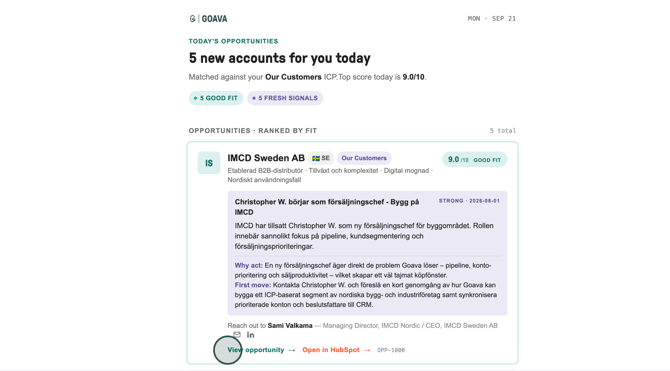
Open the opportunity email you received from Goava and click View opportunity to see the full details on a potential customer.
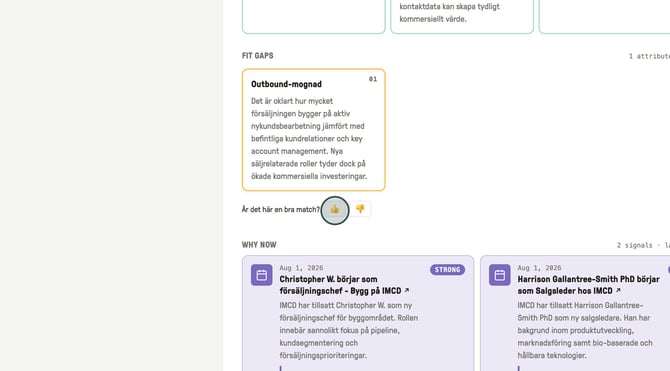
On the opportunity page, scroll to the Fit Gaps section to leave feedback on the lead.
If you want to leave feedback on the signal you scroll to the signal (Why now-section)
Use the thumbs-up or thumbs-down icons to give feedback.
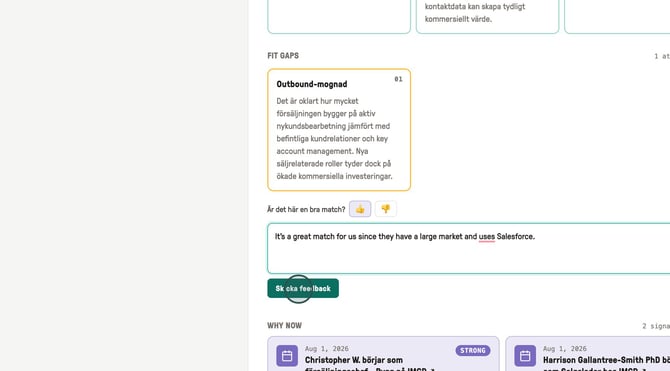
Add a short note explaining your reasoning in the text field.
For example, "It's a great match for us since they have a large market and use Salesforce".
Then click Send feedback.
The agent saves your feedback and factors it into how it evaluates and ranks future opportunities.
It learns from what you confirm is actually relevant or irrelevant.
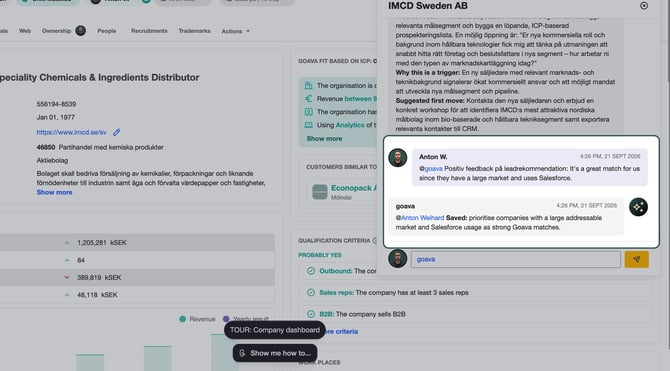
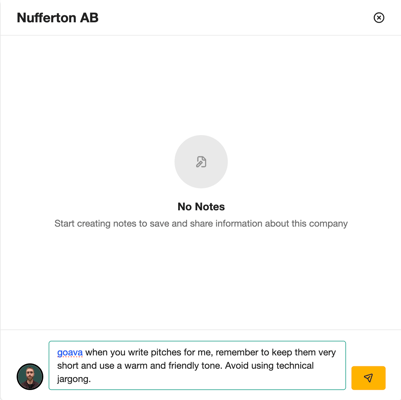
You can also give instructions to the agent at any time on any company dashboard.
You can give feedback on signal preferences, lead qualification or pitch instructions.
You can give feedback on signal preferences, lead qualification or pitch instructions.